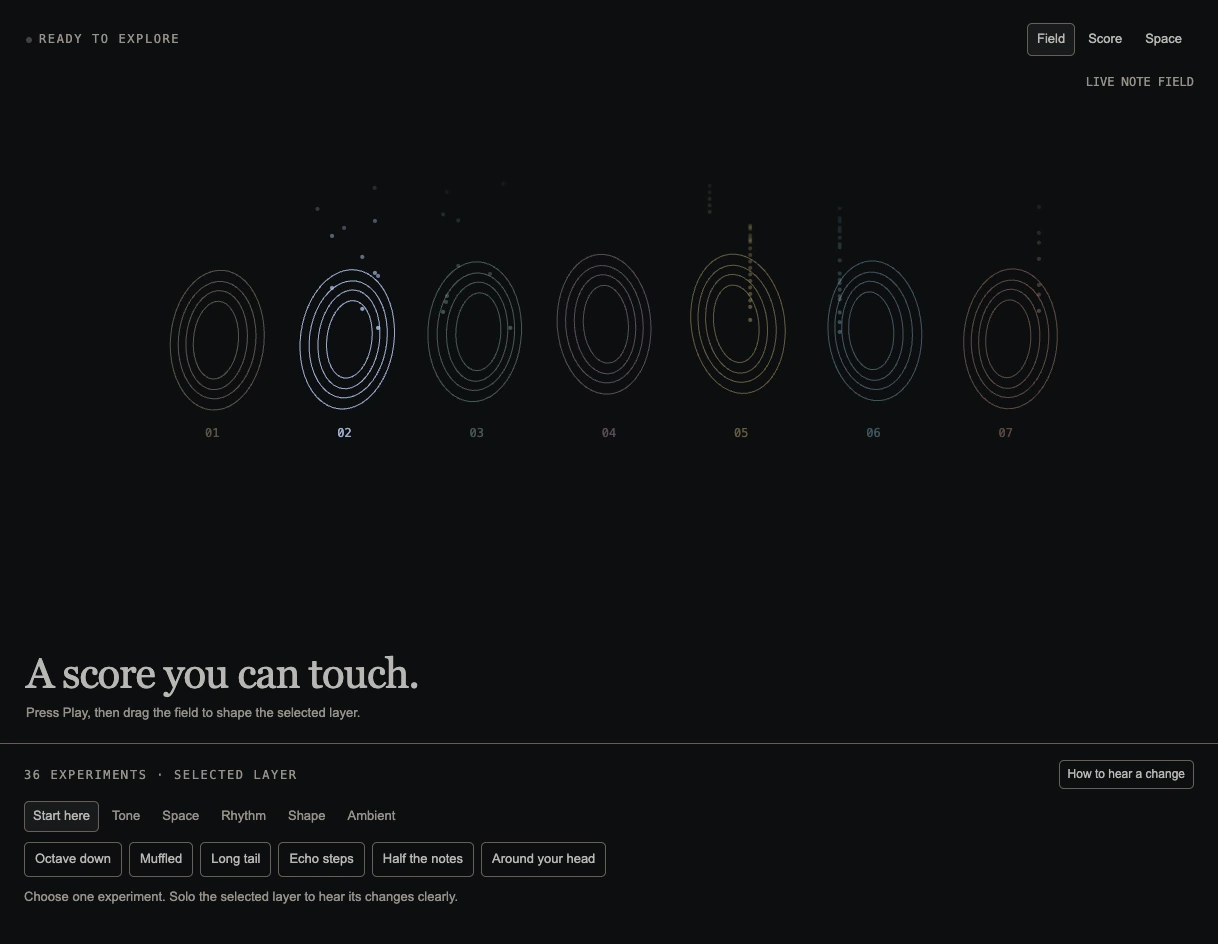
PLAYGROUND 009 / SOUND + INTERACTION
MIDI Playground
Explore a MIDI score by changing its parts, sound and position.
Launch MIDI Playground Best with headphones · Sound begins when you press Play
— browsers · reads— browsers · launches
About this piece
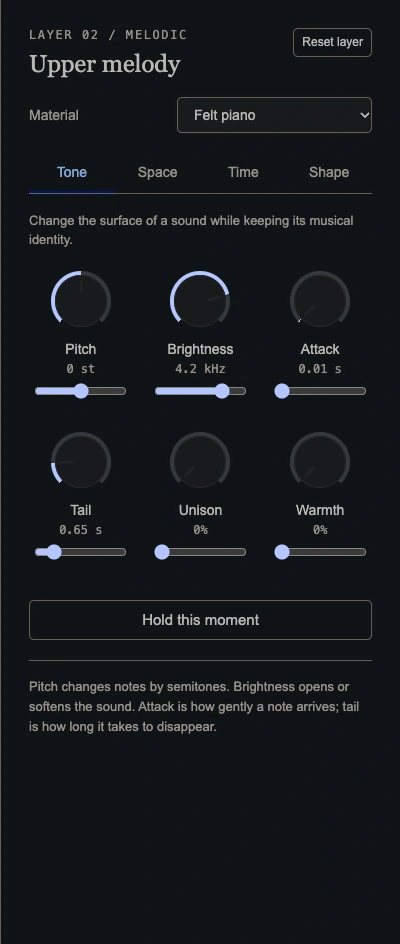
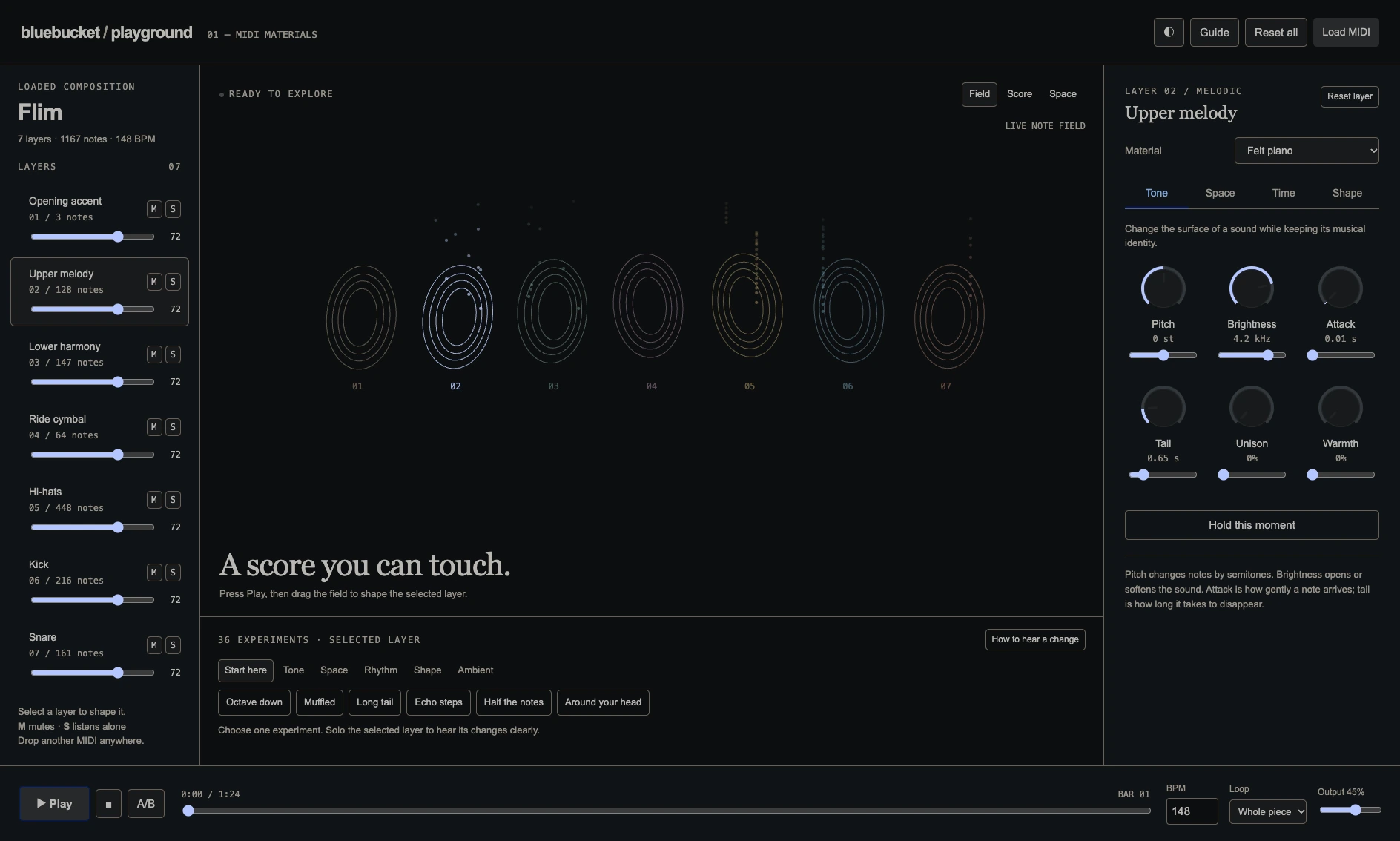
Start with the supplied Flim MIDI study: isolate a part, change its sound or rhythm, and move it in space. Load your own MIDI file to explore another composition; it stays in your browser.
Field notes
- Press Play to hear the synthesized score; headphones reveal its spatial changes.
- Select and solo a layer, then try a material or effect preset to hear the change.
- Use Field, Score and Space to view the composition in different ways.
- Load a MIDI file from your device to start a new study. The file stays in your browser.
In the details